My desktop environment in 2026
2026-11-02A short tour of the hardware, desktop and tools I use for daily work in 2026: a Rust-flavoured Linux desktop, a handful of terminal tools and my editors for code and Markdown.
Desktop and hardware
I run Fedora Linux on a Dell XPS with a 4K screen, paired with a Logitech Ergo M575 mouse.
On top of Fedora sits the COSMIC desktop from System76. COSMIC is written in Rust, comes with a great tiling window manager and ships with a consistent set of apps (files, terminal, panel applets). It's available directly from the Fedora repositories:
sudo dnf install @cosmic-desktop-environment
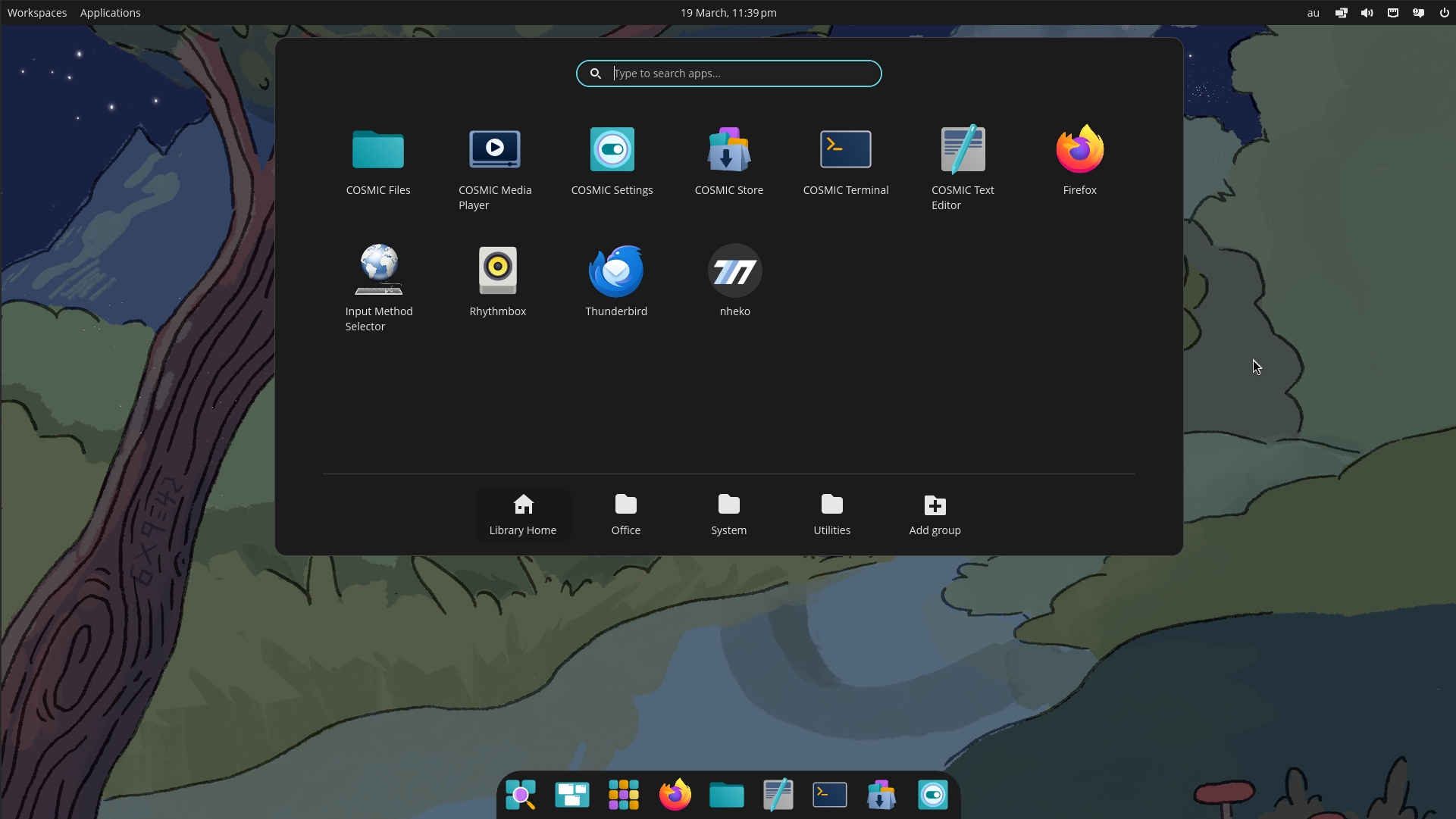
The COSMIC app library on Fedora (image: Fedora Project)
The rest of my graphical application stack is rather boring, in a good way:
- Firefox for browsing
- Thunderbird for email
- LibreOffice for documents and spreadsheets
- GIMP, Inkscape, Scribus and friends for graphics and layout work
Self-hosted
Passwords live in Vaultwarden, a Bitwarden-compatible server that I host for my family.
Shell tools
The shell is plain Bash. Everything else is added on top, and most of the CLI tools below are installed and version-pinned with mise, which also manages the Zola version used for this very website:
[tools]
zola = "0.18.0"
atuin
atuin replaces the shell history with a SQLite database and adds context like exit code, duration and working directory to every command. Ctrl-R opens a full-screen search UI with fuzzy matching.
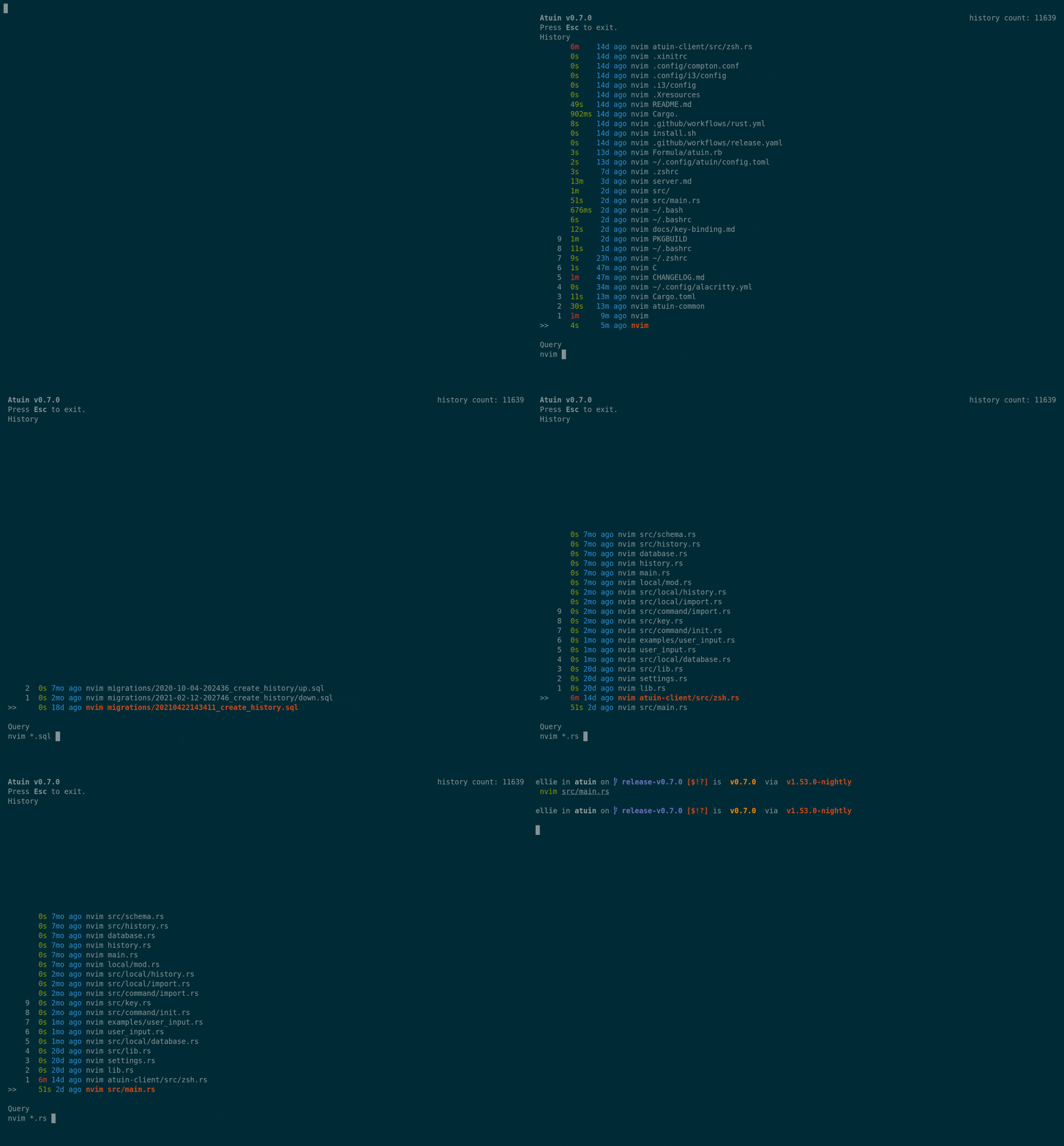
atuin's history search (image: atuin)
ripgrep and friends
rg (ripgrep) is my default for searching through code and text files. It's fast and respects .gitignore out of the box.
Task automation
Just
Just is a command runner: a justfile collects the commands a project needs, with a syntax inspired by make. No need to remember the exact commands for each project: just --list shows what's available.
Tasks don't have to be shell one-liners. Recipes starting with a shebang line can be written in any language with an interpreter, such as shell or Python.
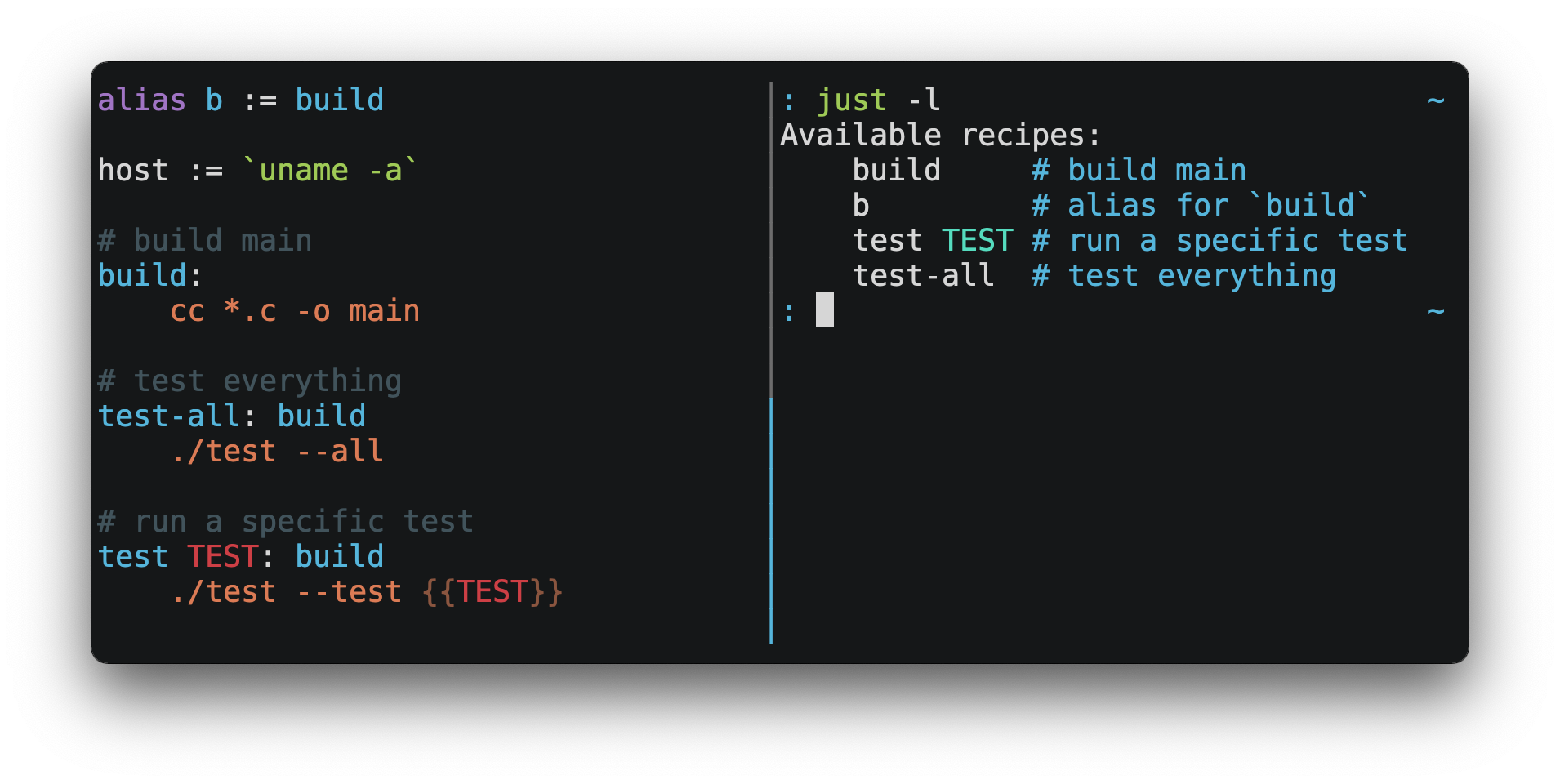
A justfile and its output (image: just)
Just isn't limited to projects. With just -g, it uses a global justfile in the home directory (~/justfile), a good place for personal system tasks that work from any directory, like updating packages, making a backup or cleaning up old files.
pitchfork
For long-running development services, there's pitchfork from the author of mise. It starts databases, API servers or workers in the background, waits until they're ready and collects their logs, so I don't need one terminal tab per service. Services are defined in a pitchfork.toml per project and can be controlled from a TUI.
Development
Zed
Zed is my main editor. It's written in Rust, has built-in language server support, and stays responsive even on large projects. There's also a Just extension for syntax highlighting of justfiles.
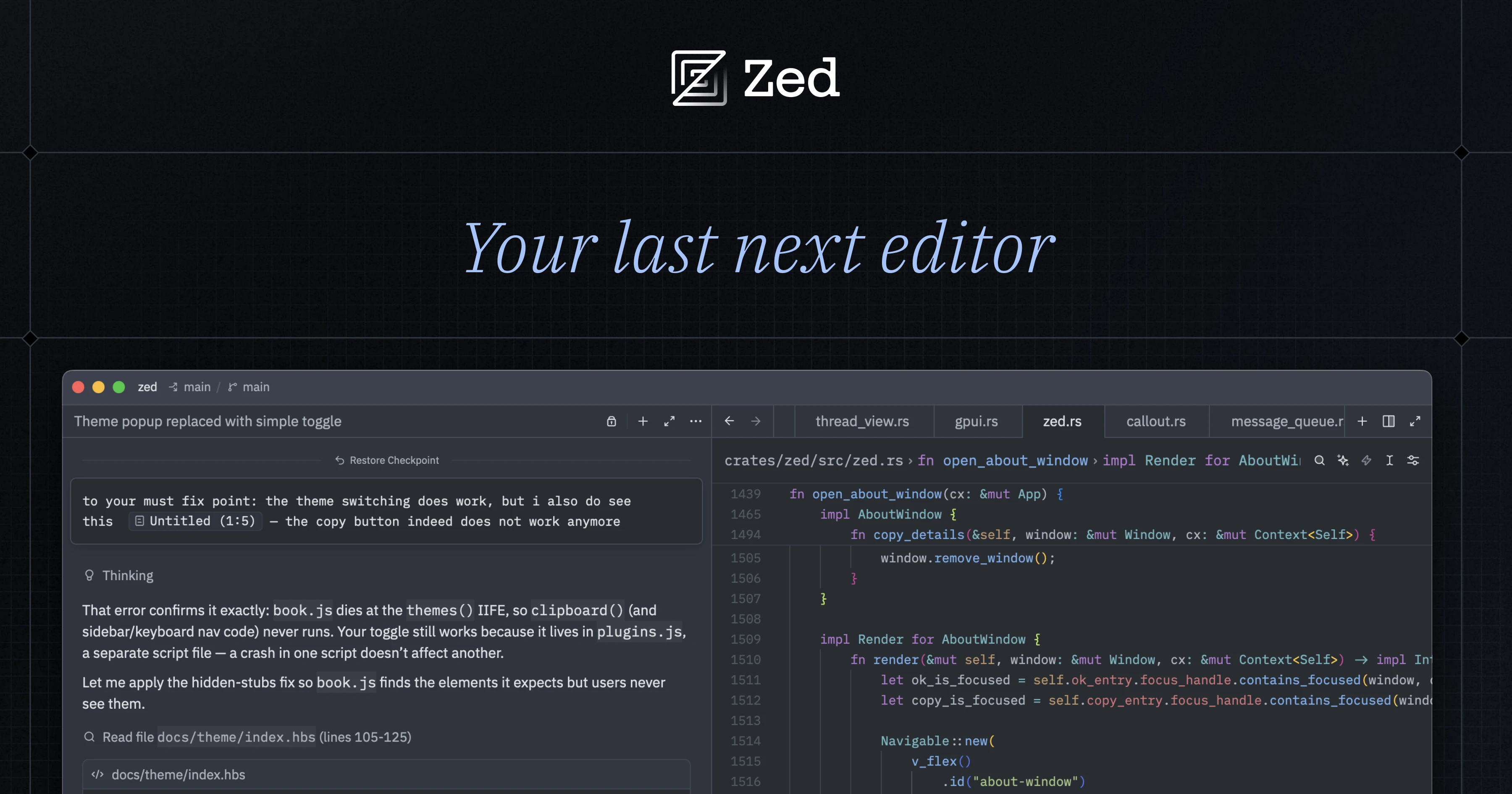
Zed (image: zed.dev)
git and gitui
Version control is done with git. For browsing the log, reviewing diffs and similar tasks I use gitui, a keyboard-driven terminal UI for git.
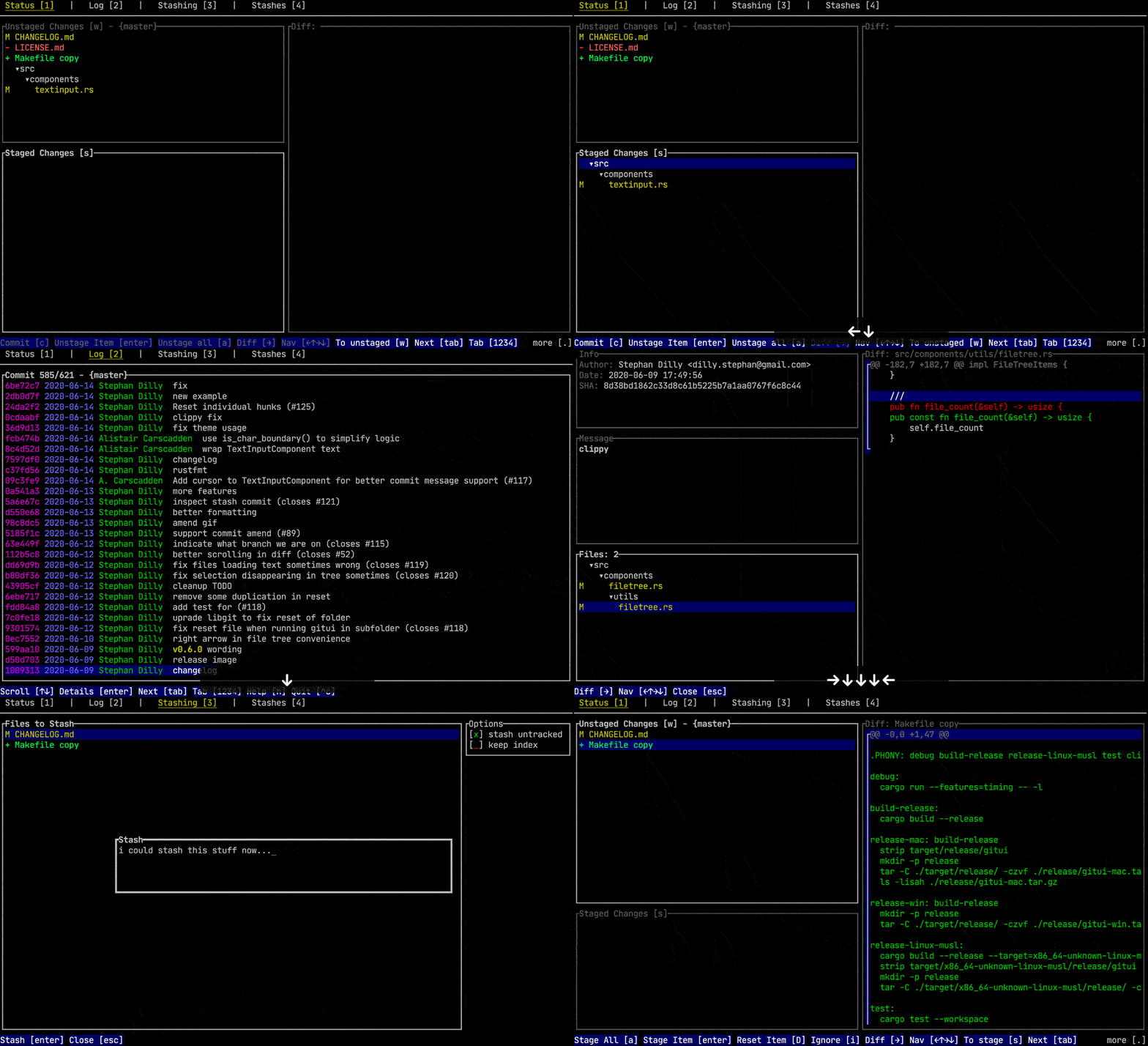
gitui in action (image: gitui)
Note-taking and task management
For notes and tasks I use ZenNotes, a keyboard-first Markdown notes app. Notes are plain .md files in a folder, so there's no lock-in and the vault can be synced or versioned with any tool, including git. It offers a command palette, split and preview modes, tasks, tags, daily notes and rendering of math and diagrams, plus a zn command-line tool.
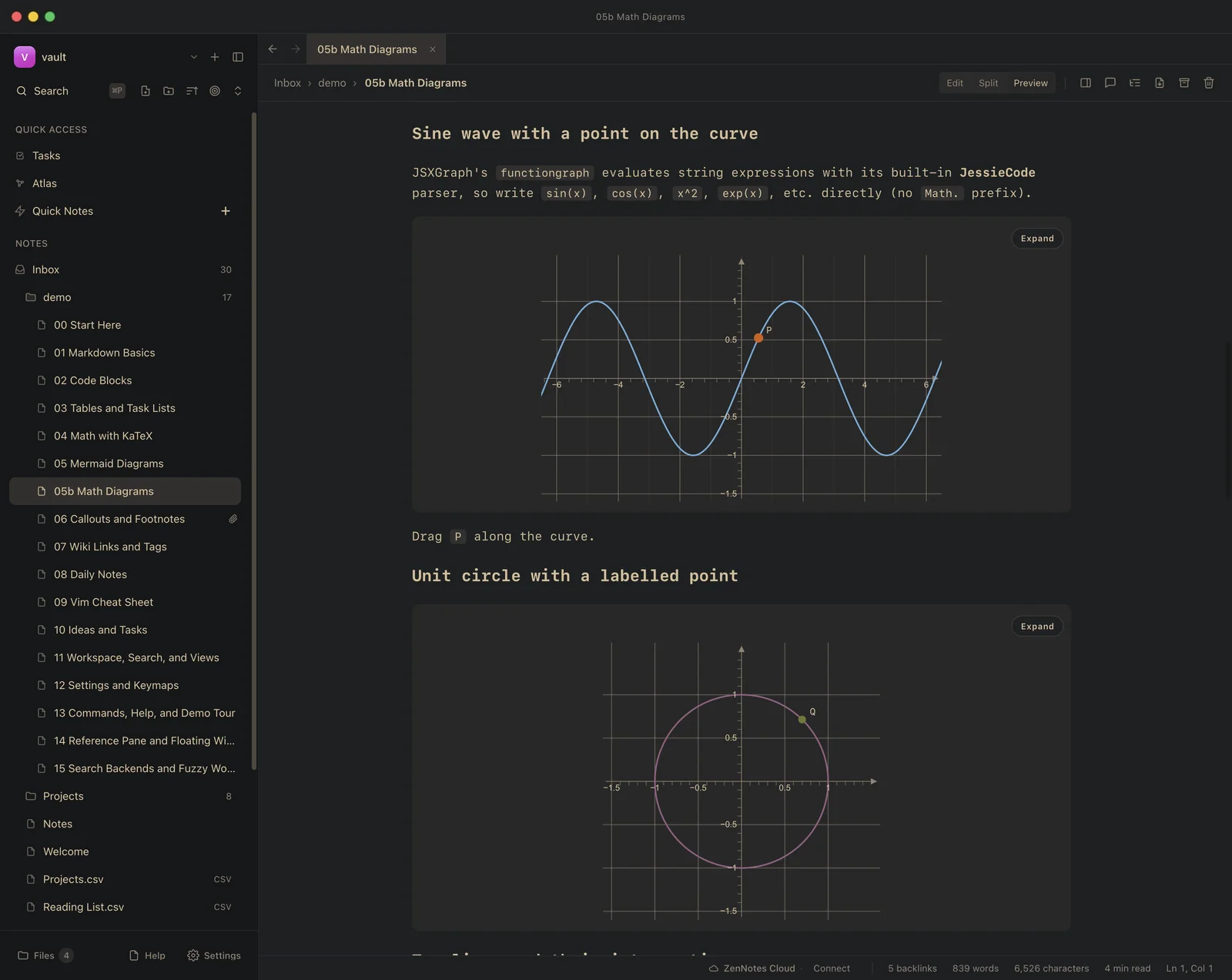
ZenNotes (image: zennotes.org)
Still looking for
A good TUI for PostgreSQL, SQLite and DuckDB. I regularly work with them and would like a terminal-based client with a decent table browser and query editor. I'm following the development of a few projects, but none fits my needs yet. Recommendations welcome!